Side Projects I Designed & Built
I build tools and interface systems, Chrome extensions included, and take each from concept to code to test new interactions and frameworks.
I use AI across the product lifecycle to compress research synthesis, uncover non-obvious edge cases, and build working prototypes earlier. AI speeds me up; design taste, user empathy, and strategic trade-offs stay 100% human.
Clusters customer interview transcripts, Mobbin benchmark patterns & Jira user stories.
Identifies root problem vs surface noise; defines problem statement.
Drafts 7-state component matrices, validation constraints & WCAG checklists.
Sets product scope boundaries, trade-offs & architectural direction.
Scans typography hierarchy, cognitive load & accessibility contrast ratios.
Elevates brand aesthetic craft, emotional tone & micro-interactions.
Converts Figma token collections into working React/HTML sandbox code.
Tests tactile gesture physics, perceived speed & engineering handoff.
Raw user feedback & specs.
Taste, critique & trade-offs.
Tactile prototype in browser.
I started building Claude Skills when I noticed I kept giving AI the same context, frameworks, and instructions. I turned the processes I trusted into reusable tools that run inside Claude Code.
01 · The ProblemWithout a structured rule system, designers repeat the same prompting loop:
I wanted a consistent, automated starting point for each session.
Notice prompting loops repeated >3 times across reviews and design handoffs.
Define structured W3C tokens, WCAG 2.2 rules, checklists & edge matrices.
Bundle heuristics into a distributable Claude Code asset ready to execute.
Deconstructs interface screenshots into working components, maps semantic W3C tokens, validates state matrices, and ensures WCAG 2.2 accessibility compliance.
Reviews interfaces for usability, visual hierarchy, interaction fidelity, contrast compliance, and edge-case state gaps.
Repeat context and formatting rules from scratch every time.
Reuse codified heuristic workflows & focus on design decisions.
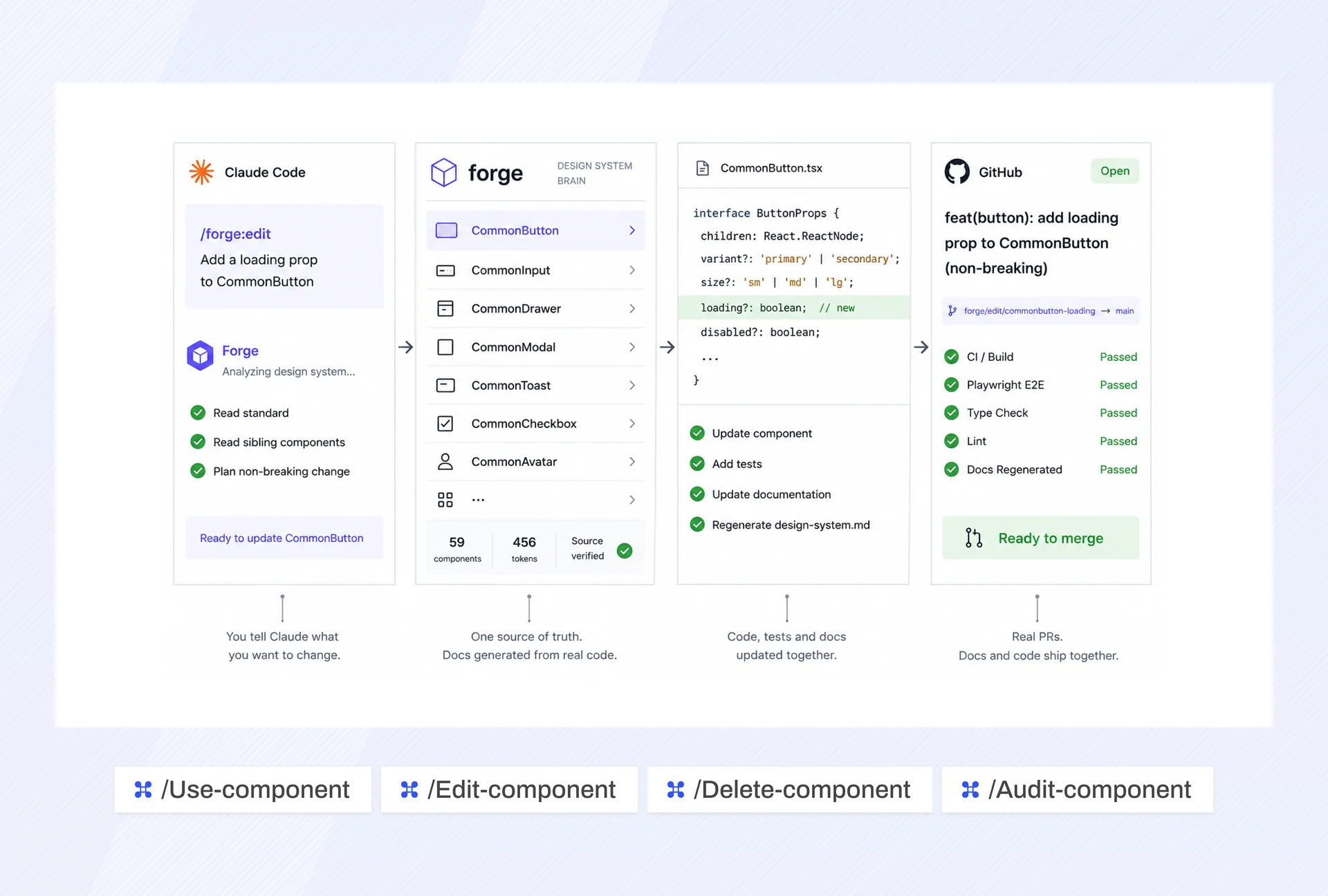
MCP connects Claude Code to relevant data sources: Jira tickets, Figma variables, local codebases, and live web endpoints. AI models then work from real project context.
01 · The Problem: Context FragmentationDesigners copy-paste PR specs, CSS code, and token values back and forth by hand. Stale context leads to hallucinated UI components.
Claude Code queries Figma variables, reads local code repositories, and checks live PR previews through standardized tool calling.
Read tokens, variables, component structures, and layer hierarchies from design files.
Pull acceptance criteria, user stories, and bug reports from Jira without manual copy-pasting.
Inspect existing components, styles, and patterns to ensure new work aligns with the codebase.
Fetch live page content, audit deployed interfaces, and capture visual references in real time.
Raw design variables, UX specs, and story acceptance criteria.
Synthesizes spec discrepancies and drafts component code patches.
Direct commit to repo with 100% token fidelity and zero manual drift.
AI models verify designs against active project tokens and local design system libraries.
Feed Jira requirements into Claude and get structured UI specs, edge-case matrices, and component breakdowns before opening Figma.
Audit the gap between Figma designs and deployed code by comparing design tokens against CSS output.
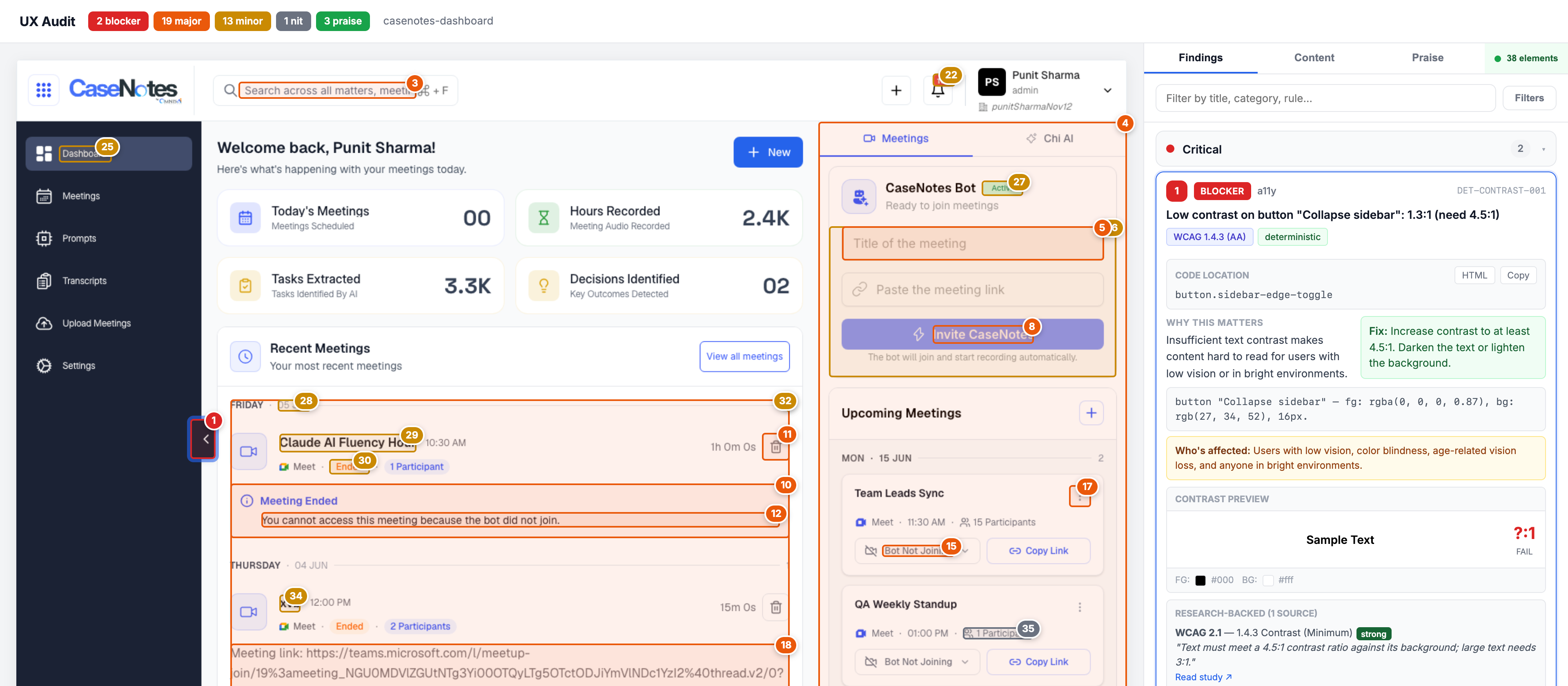
Automated design feedback fails when its suggestions don't connect to source code. In the review systems I design, each flagged issue links to DOM nodes, CSS variables, and design tokens, so engineers and designers can act on it.
Primary CTA contrast ratio 2.8:1 fails WCAG 2.2 AA (minimum 4.5:1 required on dark surface).
Each finding contains a DOM anchor linking to the source CSS line for quick verification.
High-level risk heatmap and launch-readiness score for PMs and design leads.
Tabular rule breakdown with diff-ready CSS token patches for engineers.
Adapts information density between strategic release management and fine-grained rule inspection.
WCAG 2.2 contrast rule auto-remediated and ready for pull request merge.
Proposed token fixes need designer approval before they sync to production staging branches.
Extract DOM elements, computed styles, and accessibility tree.
Match against 40+ UX heuristics, WCAG 2.2, and token hierarchies.
Generate production-ready CSS/React fix with verified evidence trail.
Custom design utilities, CLI helpers, and build scripts that remove manual work from design systems, token extraction, and production asset optimization.
Converts Figma Variables into W3C-compliant JSON token files and semantic CSS custom properties with dark-mode mapping.
Automates WebP lossy/lossless compression and SVG path sanitization before production release, shrinking portfolio and app bundles by >60%.
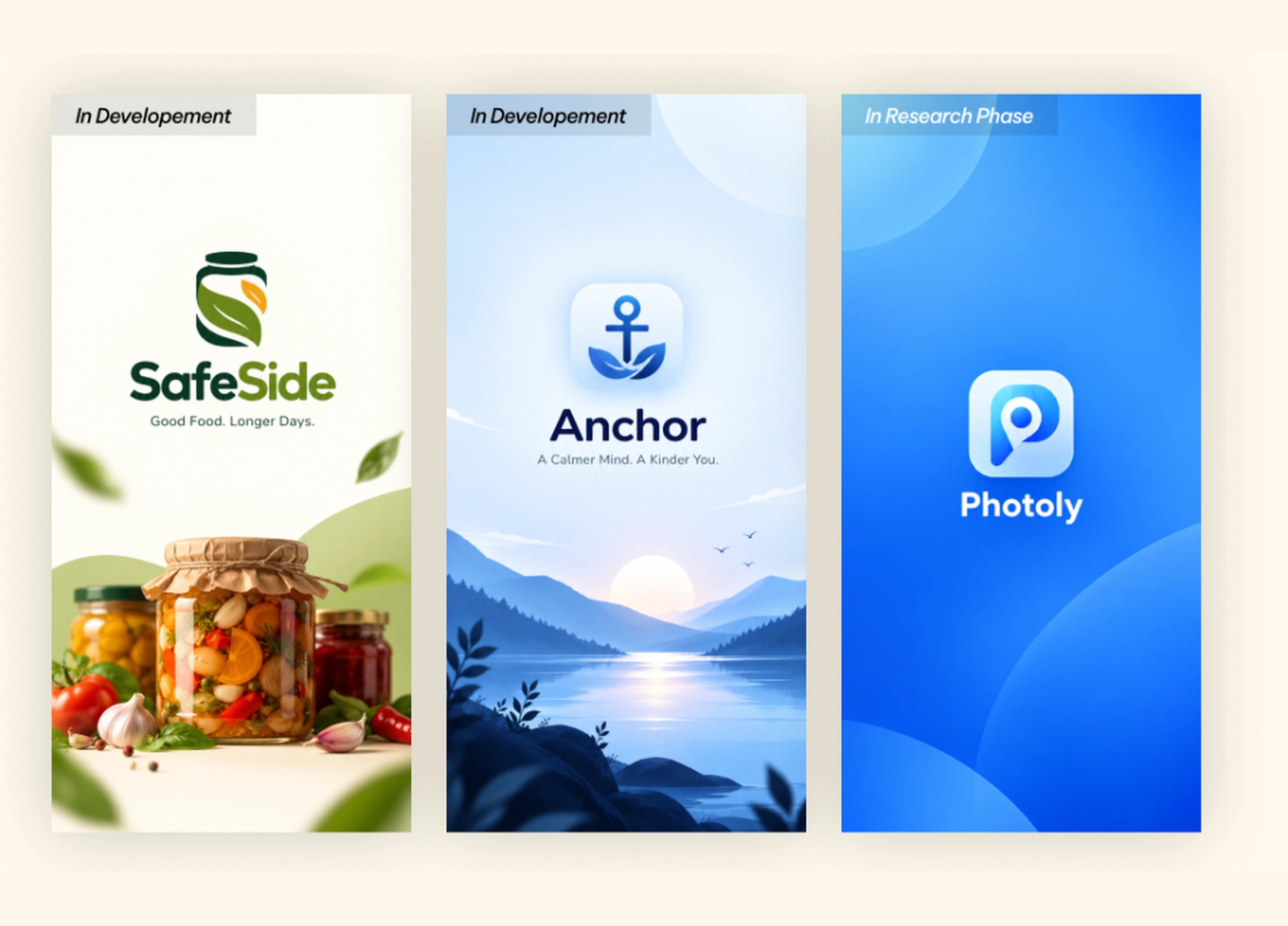
Native mobile applications designed to simplify food preservation, foster digital wellbeing, and guide photographic composition.
A mobile app designed to help users discover, organize, and manage preserved food products while making food storage more convenient and accessible.
A digital wellbeing app designed to help users build healthier screen habits, reduce distractions, and create more intentional time away from their devices.
A photography companion app designed to help users improve their composition, discover better shooting angles, and capture better photos.
Browser-based products and utilities built to test modern frontend architectures, real-time algorithms, and visual tooling.
A visual previewer and thumbnail creation tool using AI for creators to test how YouTube thumbnails and titles perform across mobile feeds, sidebars, and dark/light modes before publishing.
A curated directory of rare UI components and a Figma component library featuring micro-animated interaction design patterns, spring physics transitions, and tactile UI tokens.
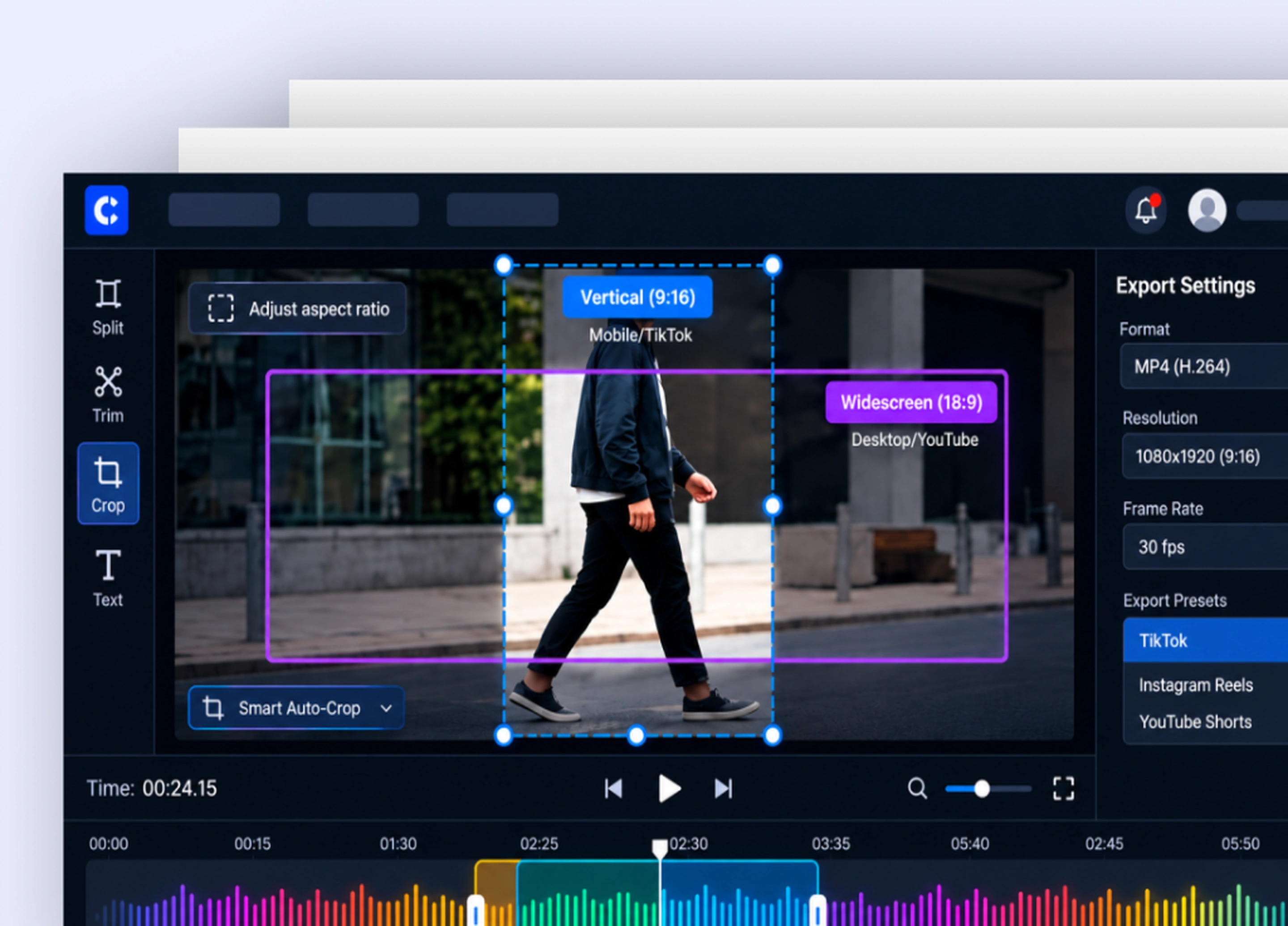
An all-in-one browser extension and web tool for creators: clip cutting, audio extraction, video splitting, taking instant high-res screenshots from video, and generating highlighted video clips without timeline clutter.
Chrome extensions built to automate repetitive design QA, DOM inspection, and visual asset capture in the browser.
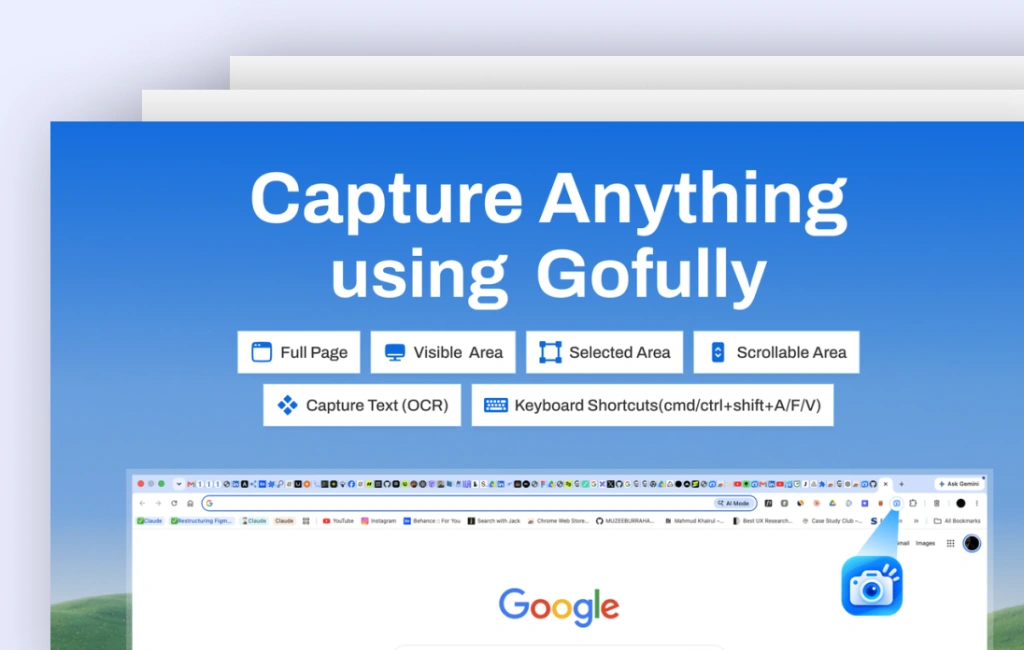
Instant browser utility for capturing UI screenshots, logging CSS properties, and annotating design QA bugs into project boards.
Automates full-page viewport stitching across mobile, tablet, and desktop breakpoints in one click for instant design audits and competitive benchmarking.
Hardcoded hex values and arbitrary pixel margins create brand drift. I build multi-tier token architectures to W3C Design Token Community Group (DTCG) standards, so design decisions compile into CSS, iOS, and Android.
The 3-Tier Token ArchitectureRaw, context-agnostic values. Color ramps, modular scale type sizes, and baseline grid multiples.
Intent-driven tokens that change with the active theme (Dark Mode / High Contrast).
Isolated bindings that protect components from global side-effects.
Design tokens managed in Figma Collections.
Automated build pipeline converts JSON tokens to CSS variables.
Production CSS, Swift, and Kotlin packages published.
A design system is only as strong as its edge cases. Before developer handoff, I design components with 7-state coverage, keyboard-trap prevention, and ARIA-compliant semantics.
The 7-State Resilience MatrixClosing the gap between Product Managers, Designers, and Frontend Engineers with structured review gates, automated PR previews, and spec-driven documentation.
The 3 Review GatesReviewing acceptance criteria and edge-case matrices with PMs before high-fidelity visual design begins.
Validating keyboard navigation, responsive breakpoints, and error states in interactive prototypes.
Auditing deployed staging PRs against design tokens to catch visual regressions before production release.
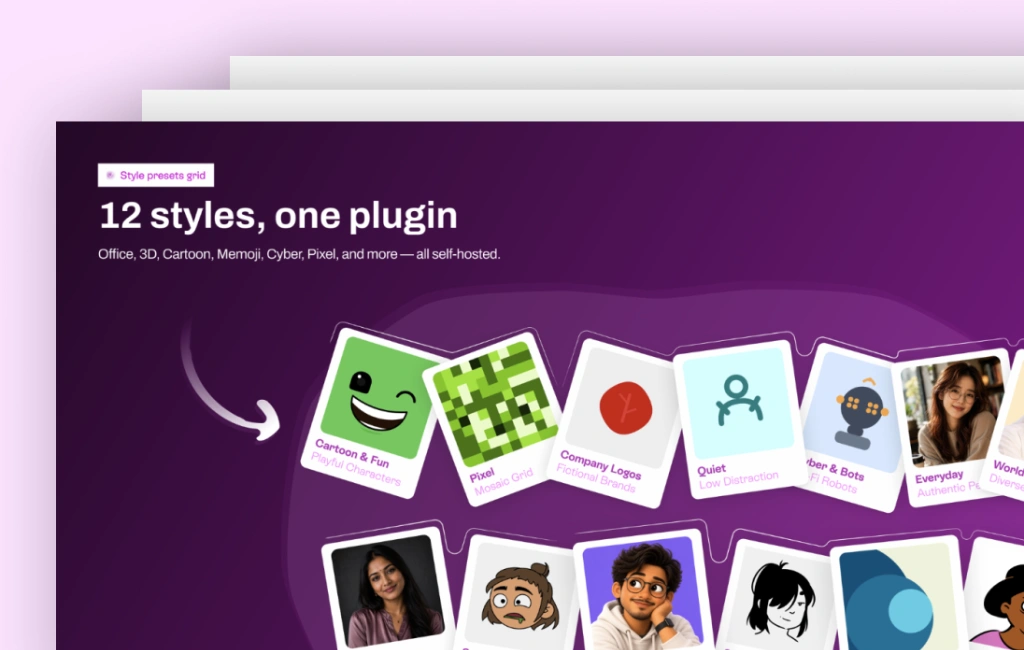
Custom plugins built for the Figma Plugin API that automate vector calculations, naming sanitization, and token validation in the canvas.
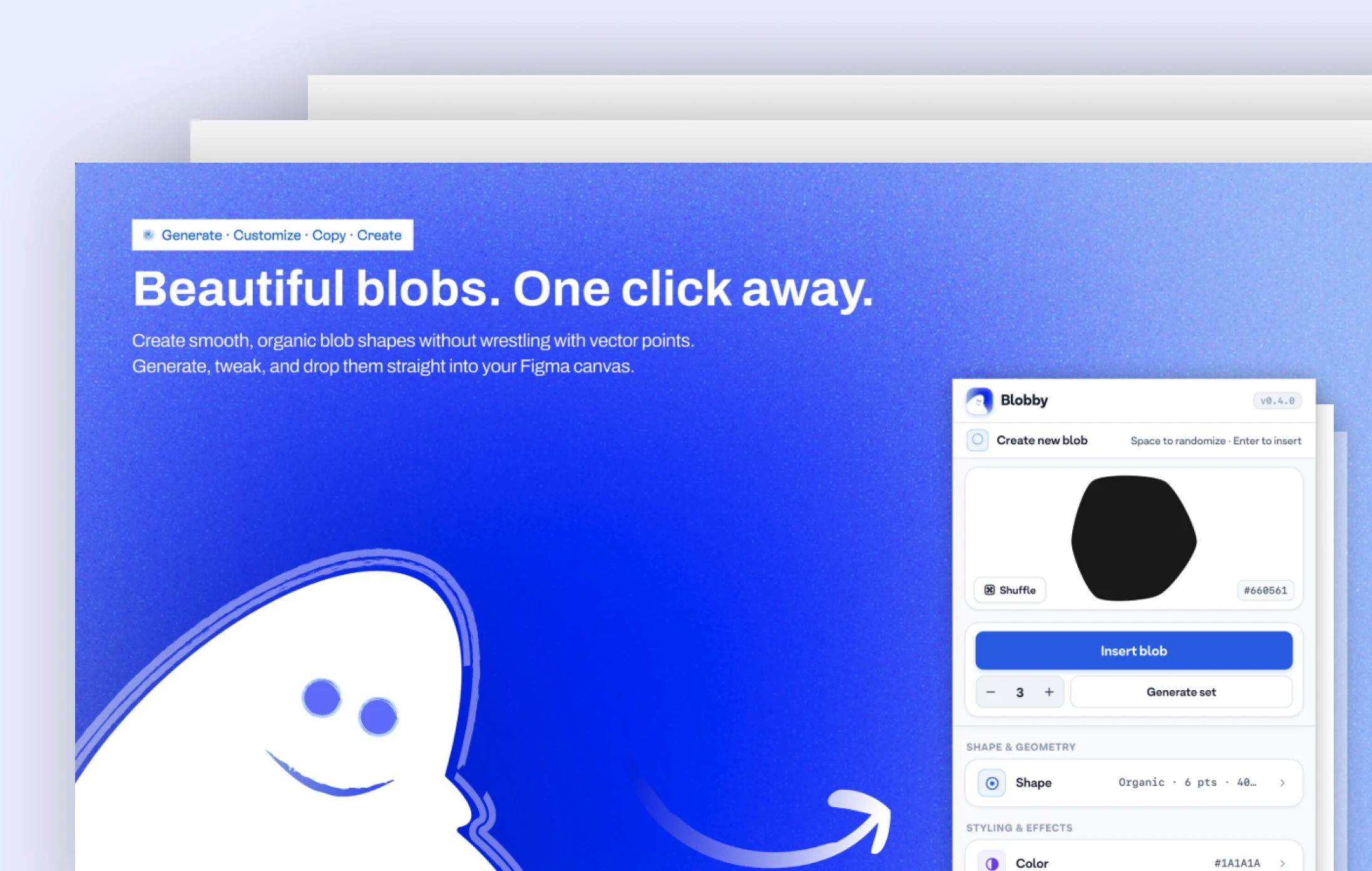
Generates customizable organic bezier curves and editable SVG blobs for landing page heroes and brand visuals in one click.
Scans selected Figma frames for unattached colors or raw font sizes and maps them to official design tokens.
Design presentations translate system architecture, user workflows, and engineering tradeoffs into clear decision documents for product teams.
The 4-Part Alignment NarrativeWhy does this problem matter to the business right now, and what happens if we do nothing?
Grounding the narrative with concrete usability friction, analytics drop-offs, and customer verbatim.
Presenting architectural options with honest evaluations of engineering effort vs. user value.
Providing clear roadmap phasing and near-term release milestones for engineering and leadership.